Watch live
Live Streaming
Bring the whole community to the ground — stream your match on YouTube and share the link.
YouTube integration
Every ball, watchable anywhere.
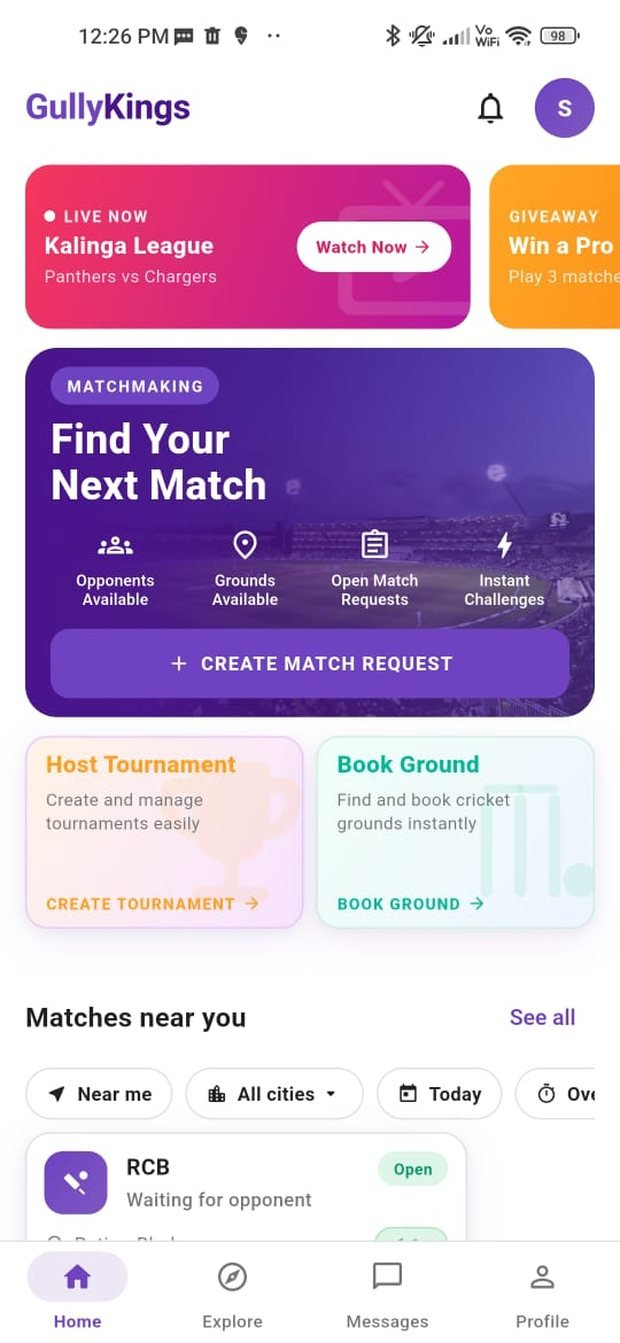
GullyKings connects with YouTube live streaming so your match reaches beyond the boundary. Start a stream, and GullyKings surfaces the live link inside the app and your team chat — friends, family and fans who couldn’t make it can follow the action in real time.
Because it runs on YouTube, streams work on any device with a browser, and stay available to rewatch after the final over.
How it works
Go live in a few steps.
1 · Start a stream
Begin a YouTube live stream from the ground on your phone.
2 · Add the link
Attach the YouTube link to your match in GullyKings.
3 · Share it
The live link appears in the app and team chat for everyone.
4 · Fans watch
Anyone with the link can watch live and rewatch later.
Live streaming uses YouTube’s platform and is subject to YouTube’s terms and community guidelines. You are responsible for the content you stream. GullyKings provides the integration and link sharing; the stream itself is hosted on YouTube.