How it works
Matchmaking
Find a game near you, build your side and lock the fixture — without the group-chat chaos.
Finding a match
Real fixtures, near your ground.
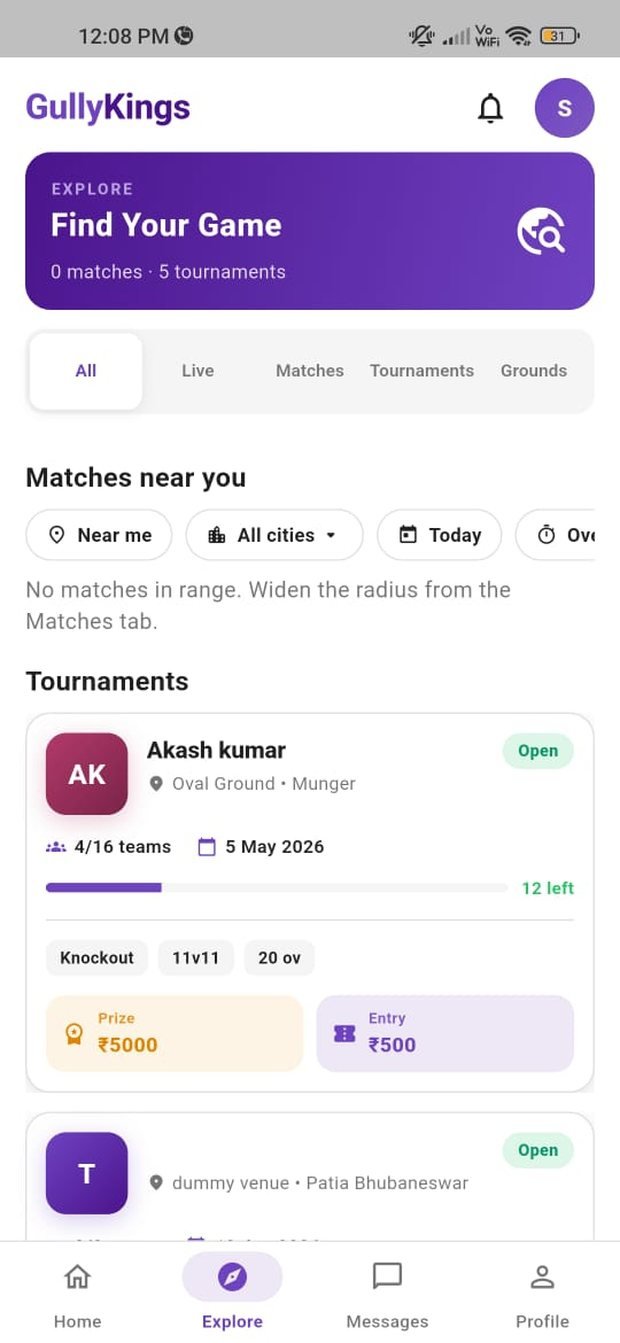
When you open GullyKings, the match feed shows fixtures happening around you. Each listing tells you the ground, the format, the start time and how many player slots are still open — so you know at a glance whether you can make it.
Filter by date, format or distance to narrow things down, then tap Join to request a spot. The host reviews and approves your request, and you’ll get a notification the moment you’re in.
Creating a match
Host a game in under two minutes.
Can’t find the right fixture? Create your own and let the community come to you.
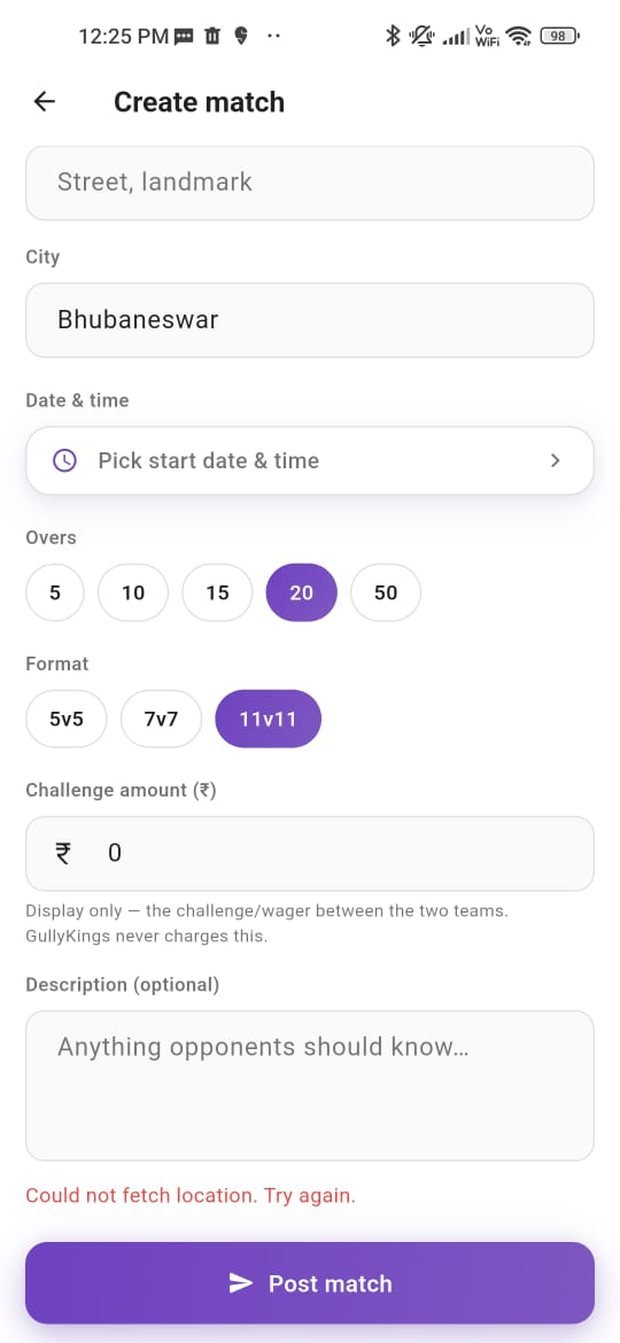
1. Pick the ground
Choose your venue and set the location so nearby players can find your match.
2. Set the format
Select the overs format (T10, T15, T20 and more), the date and the start time.
3. Invite players
Add players from your squad or invite them directly using their GK Player ID.
4. Lock the match
Once both sides are confirmed, pay the Match Lock Fee to lock the fixture in.
Match lock
What locking a match actually does.
Locking is the moment a game becomes real. It confirms the fixture for both teams, freezes the squad lists so no one can quietly drop out, and opens the match chat so both sides can coordinate the day.
✓
Fixture confirmedBoth teams are committed — the match shows as locked for everyone.
✓
Squads frozenThe approved playing lists are final, so you know who’s turning up.
✓
Chat unlockedA shared chat opens for kit, timing and travel details.
The Match Lock Fee
One small, transparent platform fee.
The Match Lock Fee is what you pay GullyKings to confirm and run the fixture on the platform. It is a service fee — never a bet, stake or entry into any prize pool.
Platform service
Match Lock Fee
Charged when a match is locked. It covers the fixture confirmation, squad locking, match chat and notifications for both teams. The exact amount is always shown in the app before you pay — you’ll never be charged an amount you haven’t seen.
No wagering. No prize pool. No cash winnings.
If plans change
Cancelled matches
If a locked match is cancelled by the host, or the platform cancels it, the Match Lock Fee is refunded under the terms set out in our Refund Policy. Failed payments are never charged twice.
Matchmaking questions
Do I need a full team to join a match?
No. You can join a match as an individual player and be added to a side that needs numbers, or you can bring your whole squad.
Can I cancel after I’ve joined?
Yes, but please do it early. Dropping out after a match is locked leaves your side short and may affect your standing in the community. See our Community Guidelines.
Who can lock a match?
The match host (usually the captain who created it) locks the fixture once both sides are confirmed.
Is the Match Lock Fee a bet?
No. It is a platform service fee. GullyKings offers no betting, gambling, fantasy cricket or real-money gaming of any kind.